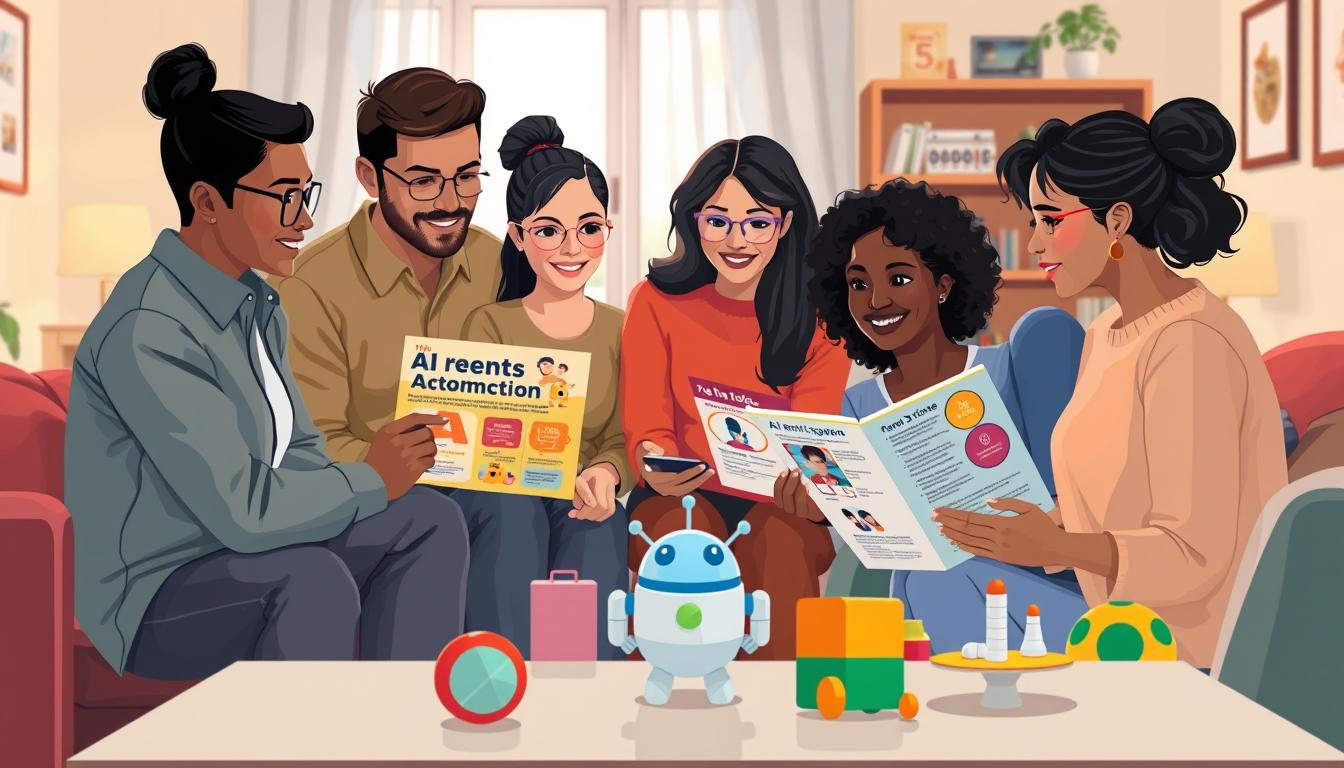
Have you ever thought about how AI is changing young people’s lives? With generative AI becoming more common, many parents worry about its effects on their kids.
A survey by Common Sense Media found that 68% of teens aged 13–17 use generative AI tools monthly. This shows a big trend that parents can’t ignore. Schools are debating whether to ban AI tools or teach kids how to use them.
Figuring out if a child is ready for AI involves looking at their age, maturity, and why they’re using it. There’s no single answer. This guide aims to help parents make smart choices.
In this article, you’ll find checklists, age-based advice, and examples to guide your family’s AI rules. We want to help parents make good choices without feeling stressed or guilty.
Why Age Alone Does Not Decide AI Readiness
Knowing a child’s age is not enough to understand if they are ready for AI. Each child grows at their own pace. Their learning abilities, maturity, and how they plan to use AI are key factors.
Every Child Has Different Learning and Technology Skills
Children under eight are in the concrete operational stage. They learn best through direct experiences and hands-on interaction. This means some children might pick up technology quickly, while others need more time.
For example, two ten-year-olds can have very different levels of digital literacy. One might use AI to learn more, while the other might just copy answers. It’s important to look at each child’s unique skills.
Maturity Matters More Than a Specific Birthday
Maturity is a big factor in AI readiness. It includes things like impulse control and honesty about schoolwork. A child who can handle these things is likely to use AI responsibly, no matter their age.
For instance, a child who thinks critically about their work is better at using AI. On the other hand, a child who struggles with self-regulation might misuse AI, which could harm their learning.
The Purpose of Using AI Changes the Decision
The reason for using AI is important. A child using AI for a passion project is more likely to benefit than one using it to avoid work, like writing a book report.
Parents should watch how their child uses technology. This can show if they are ready for AI tools. A child who uses technology to learn and explore is more likely to use AI responsibly.
| Age Group | Development Stage | Learning Style | AI Readiness Indicators |
|---|---|---|---|
| Under 8 | Concrete Operational | Hands-on, Play-based | Needs guidance and supervision |
| 8-12 | Developing Metacognitive Skills | Reflective, Exploratory | Can think about their own thinking |
| 12+ | Cognitive Development | Abstract, Analytical | Can use AI tools productively |
The 4 Factors Parents Should Check Before Allowing AI

Before letting kids use AI, parents need to look at a few key things. These factors help make sure kids use AI safely and learn well.
Age and Development Level
Age is important, but it’s not everything. Young kids need more help because their brains are growing. Kids under eight might take AI answers as true without checking them.
Ability to Think Independently
It’s important for kids to think for themselves when using AI. If they always ask for answers without trying to solve problems, they might not be ready. Teaching kids to think on their own helps them use AI as a learning tool.
Understanding That AI Can Make Mistakes
Kids need to know that AI can be wrong. Sometimes, AI gives out false information that sounds right. It’s important for kids to learn that AI can give biased or wrong answers, even for adults.
Ability to Follow Family and School Rules
A child’s history of following rules is a good sign for AI use. If they have trouble with tech rules, it’s best to wait. Parents can check how well their child follows rules to see if they’re ready for AI.
AI Readiness Guide by Age Group

Knowing when kids are ready for AI is key for parents. Each age has its own challenges and benefits for using AI. Here’s a guide to help parents figure out if their child is ready for AI.
Young Children (Ages 3–5): Parent-Led AI Exploration
For young kids, parents should lead the way with AI. At this age, kids love to explore and learn. Parents can help by guiding their AI interactions.
- Asking a voice assistant questions like, “Why is the sky blue?”
- Creating silly stories together using AI.
Tools like voice assistants (Alexa, Siri, Google Assistant) are great for introducing tech in a fun way.
Early Elementary Children (Ages 6–8): Guided Questions and Learning Activities
As kids start elementary school, they can ask questions with a parent nearby. This helps them see AI as a tool for learning, not just homework help. Parents can encourage learning by:
- Discussing the answers provided by AI.
- Engaging in activities that promote critical thinking.
Using educational tools like Khanmigo can make learning more fun.
Older Elementary Children (Ages 9–11): Learning With AI Support
Kids aged 9 to 11 can learn more on their own with AI help. Parents should review what AI shows them together. Key points for this age include:
- Encouraging children to ask deeper questions.
- Setting “AI-assist vs AI-do” rules to balance independence and responsibility.
Middle School Students (Ages 12–14): Building Responsible AI Skills
Middle school students can start building responsible AI skills. They need clear rules and regular talks with parents. Important things to consider include:
- Encouraging independent exploration of AI tools.
- Talking about AI’s impact and setting norms for good behavior.
| Age Group | AI Interaction Type | Parental Role |
|---|---|---|
| 3–5 | Parent-led exploration | Guiding questions and activities |
| 6–8 | Guided questions | Supervised learning activities |
| 9–11 | Learning support | Reviewing AI outputs |
| 12–14 | Independent use | Setting boundaries and norms |
Decision Guide: Should Your Child Use AI Yet?

Deciding if a child is ready for AI involves looking at their skills and behavior. This guide helps parents figure out if their child is ready for AI technology.
If Your Child Can Ask Questions and Evaluate Answers
A key sign of readiness is when a child asks questions and checks the answers. For example, if a ninth-grader uses ChatGPT to learn about a tough topic, then asks more questions, it shows they’re thinking critically. This means they’re using AI to help them learn, not just to do the work.
If Your Child Needs Help Following Rules
It’s also important to see if a child follows rules. If they have trouble with rules on other tech, it might be best to wait before letting them use AI. Using AI responsibly means knowing and following its rules. Parents should think if their child can handle the responsibility of using AI.
If Your Child Uses AI to Learn Instead of Avoiding Work
The most important thing is to see if a child uses AI to learn or to avoid work. For instance, if a child uses AI to get ideas for a project, they’re using it well. But if they just ask AI to write an essay and don’t change it much, they’re not learning. This AI-assist vs AI-do idea helps parents talk to their kids about using AI right.
Remember, being ready for AI isn’t forever. A child might be ready for AI in some situations but not others. As they grow, they’ll learn to use AI better.
When Parents Should Wait Before Giving Independent AI Access

Parents need to know when their child is ready for AI. Some behaviors show they’re not ready. Knowing these signs helps parents support their child’s growth.
Your Child Believes Everything AI Says
If a child believes AI without doubt, they might learn wrong things. This can stop them from thinking for themselves. Parents should teach kids to check AI answers with other sources.
Your Child Copies Answers Without Understanding
Copying AI answers without getting it shows a big problem. It stops kids from really learning. Parents should teach kids to use AI to help, not do all the work.
Your Child Cannot Explain Their Own Work
When a child can’t explain their work, they might rely too much on AI. This can hurt their problem-solving skills. Parents should help kids talk about their learning and do it themselves.
Your Child Uses AI Without Asking Permission
Using AI without asking is a big red flag. It shows a child might not be ready for AI alone. Parents should set rules for AI use to build trust.
By watching for these signs, parents can decide when to let kids use AI alone. Waiting is not a bad thing. It’s a way to keep kids safe and help them learn to use AI well.
Choosing the Right Type of AI Use for Your Child

Choosing the right AI can make learning fun for your child. Different AI apps have different uses. Knowing these can help parents guide their kids well.
AI for Learning New Topics
AI can be a patient tutor, always ready to help. It explains things in many ways, making learning easier. For example, if a child wants to learn about space, AI can give info and suggest more topics.
AI for Homework Support
AI can be a big help with homework. It should help kids check their work and give feedback. This helps kids think critically and understand the material, not just do the work.
AI for Creativity and Ideas
AI can spark creativity in kids. It can suggest story ideas, art prompts, or “what if” scenarios. But, kids should always be the main creators. This way, they learn to be creative while using AI as a tool.
AI for Research and Fact Checking
AI can teach kids how to research and fact-check. They learn to check AI facts against real sources. This improves their understanding and teaches them to be critical of information.
In summary, the type of AI matters a lot. By picking the right apps, parents can help their kids learn and grow. Each AI interaction has its own benefits, so it’s key to see how kids use these tools.
How Much Supervision Does Your Child Need?

Knowing how much supervision your child needs with AI is key for their safety and learning. The amount of oversight affects how they use technology, think critically, and feel responsible.
For kids under 12, it’s best to use AI in places where parents can easily see the screen. This method keeps them safe and starts conversations about tech. Parents can say, “What did you ask the AI tonight?” to make it a regular talk, not a check-up.
Using AI Together With Younger Children
Parents should join in when younger kids use AI. This shared time teaches them to be curious and think critically. By asking questions together, parents help their kids learn to question AI’s answers.
Checking AI Conversations With Younger Users
Checking AI chats is a good way for parents to see how their kids use tech. It helps spot problems early and teaches kids to use tech wisely.
Gradually Giving More Independence Over Time
As kids show they can handle it, parents can step back a bit. This is like teaching them to cross the street or ride a bike. For teens, the focus is on being accountable, not just watching over them. Parents should ask teens to explain how they used AI, which helps them develop habits for school and work.
| Age Group | Supervision Level | Suggested Activities |
|---|---|---|
| Under 12 | High supervision | Use AI together, ask questions |
| 12-14 | Moderate supervision | Discuss AI use, review interactions |
| 15 and up | Low supervision | Encourage independent use, accountability |
“The best way to predict the future is to create it.” – Peter Drucker
By using these strategies, parents can help their kids use AI wisely. This way, kids learn to be independent and think critically.
Questions Parents Should Ask Before Saying Yes to AI
Before letting a child use AI, parents should think about several key questions. Talking about these can help understand the child’s goals and if they’re ready. Here are four main questions to help parents make good choices.
Why Does My Child Want to Use AI?
It’s important to know why a child wants to use AI. Are they really interested in technology, or do they want an easy way out? This question helps parents see if AI is for learning or just a quick fix.
What Problem Will AI Help Solve?
Parents should ask their child to explain the problem AI will solve. This helps make sure AI is used right and for a good reason.
Can My Child Complete the Task Without AI?
This question is very important. If a child can do something on their own, AI is just a help. But if they can’t, it might show they need to learn more before using AI.
Does AI Support Learning or Replace Thinking?
Parents should also think about if AI helps with learning or takes away from thinking. Talking about AI’s role can help kids understand its place in their education.
| Question | Purpose | Considerations |
|---|---|---|
| Why Does My Child Want to Use AI? | Assess motivation | Curiosity vs. shortcuts |
| What Problem Will AI Help Solve? | Identify specific challenges | Clarify AI’s role |
| Can My Child Complete the Task Without AI? | Evaluate independence | Learning gaps vs. enhancement |
| Does AI Support Learning or Replace Thinking? | Encourage critical thinking | Understanding AI’s impact |
These questions shouldn’t be just one-time talks. They should be ongoing as kids grow and their needs change. Regularly asking these questions can make sure AI use is good for the child’s learning.
Common Parent Mistakes When Deciding About AI
Parents today face many challenges when introducing AI to their kids. It’s important to know the right way to approach AI for children. This section will talk about four common mistakes that can harm good intentions.
Allowing AI Only Because Other Children Use It
One big mistake is letting kids use AI just because others do. This lets peer pressure decide, not parents. Every child is different, needing different things. Parents should judge their child’s readiness on their own.
Banning AI Without Teaching Responsible Use
Another error is banning AI without teaching how to use it right. This might seem safe, but it leaves kids unready for AI’s role in the future. Schools that ban AI miss a chance to teach kids how to think critically.
Choosing Based Only on Age
Deciding on AI use just by age is also wrong. Kids of the same age can be very different. Parents should look at their child’s thinking skills and understanding of AI.
Giving Full Access Too Quickly
Lastly, giving kids free access to AI too soon is bad. It’s like giving a car to a teenager without teaching them to drive. A slow, guided introduction is better.
| Mistake | Consequences | Alternative Approach |
|---|---|---|
| Allowing AI due to peer pressure | Neglects individual needs | Evaluate readiness independently |
| Banning AI without guidance | Leaves children unprepared | Teach responsible use |
| Choosing based on age | Ignores maturity differences | Assess critical thinking skills |
| Giving full access too quickly | Increases risk of misuse | Implement gradual access |
By avoiding these mistakes, parents can help their kids use AI wisely. A careful, step-by-step introduction to AI is essential. It helps kids develop the skills they need for the future.
A Parent AI Readiness Checklist
As parents explore the world of AI, a checklist can help. This guide helps you see if your child is ready for AI.
My Child Understands AI Can Be Wrong
Children need to know AI isn’t perfect. This knowledge helps them think critically. It teaches them to question and seek answers.
My Child Can Follow Technology Rules
Setting tech rules is key. Kids aged 8–14 should use AI only in common areas. They should try things on their own before asking AI for help. This builds responsibility and integrity.
My Child Can Explain Their Own Ideas
It’s important for kids to share their thoughts. If they can explain their ideas, they won’t just rely on AI. This boosts their learning and confidence.
My Child Uses AI With a Clear Purpose
Children should use AI for specific tasks, like learning or research. They should know when to use AI as a tool, not a crutch. For teens aged 15–17, understanding AI policies at school is key. They should evaluate AI critically and explain their work.
Deciding when a child is ready for AI isn’t about finding a perfect answer. It’s about staying involved, keeping conversations open, and adjusting rules as they grow. This checklist helps parents make informed choices and support their child’s growth in a tech world.
FAQ
What is the best age for kids to start using AI tools?
There’s no one-size-fits-all age for starting AI. It depends on the child’s age, maturity, and why they’re using AI. Parents should look at their child’s skills and behavior to decide when they’re ready.
How can parents ensure their children are using AI safely?
Parents can keep AI use safe by watching over their kids, talking about AI risks, and setting rules. It’s also key to teach critical thinking and that AI can be wrong.
Should kids use ChatGPT for homework help?
ChatGPT can help with homework if used right. Kids should use it to learn, not just to finish work fast.
What factors should parents consider when assessing AI readiness for their children?
Parents should look at the child’s age, how independent they think, and if they know AI can make mistakes. They should also check if the child follows rules well.
How can parents identify if their child is not ready for independent AI access?
Signs include the child trusting AI too much, copying answers without understanding, and using AI without permission.
What types of AI use are appropriate for different age groups?
Young kids should use AI with a parent’s help. Older kids can use AI for learning, creativity, and research. The main thing is that the child is the main creator.
How much supervision do children need when using AI?
Young kids need more supervision. Older kids can learn to use AI on their own. Regular talks about AI use help them use it responsibly.
What questions should parents ask themselves before allowing AI access?
Parents should think about why their child wants to use AI, if they can do the task without it, and if AI helps them learn.
What common mistakes do parents make regarding AI use?
Mistakes include letting kids use AI because of friends, banning it without teaching, deciding based on age, and giving too much access too soon.
What should be included in a parent AI readiness checklist?
The checklist should check if the child knows AI can be wrong, follows rules, can explain their ideas, and uses AI for a good reason.